

 Live / 1-on-1
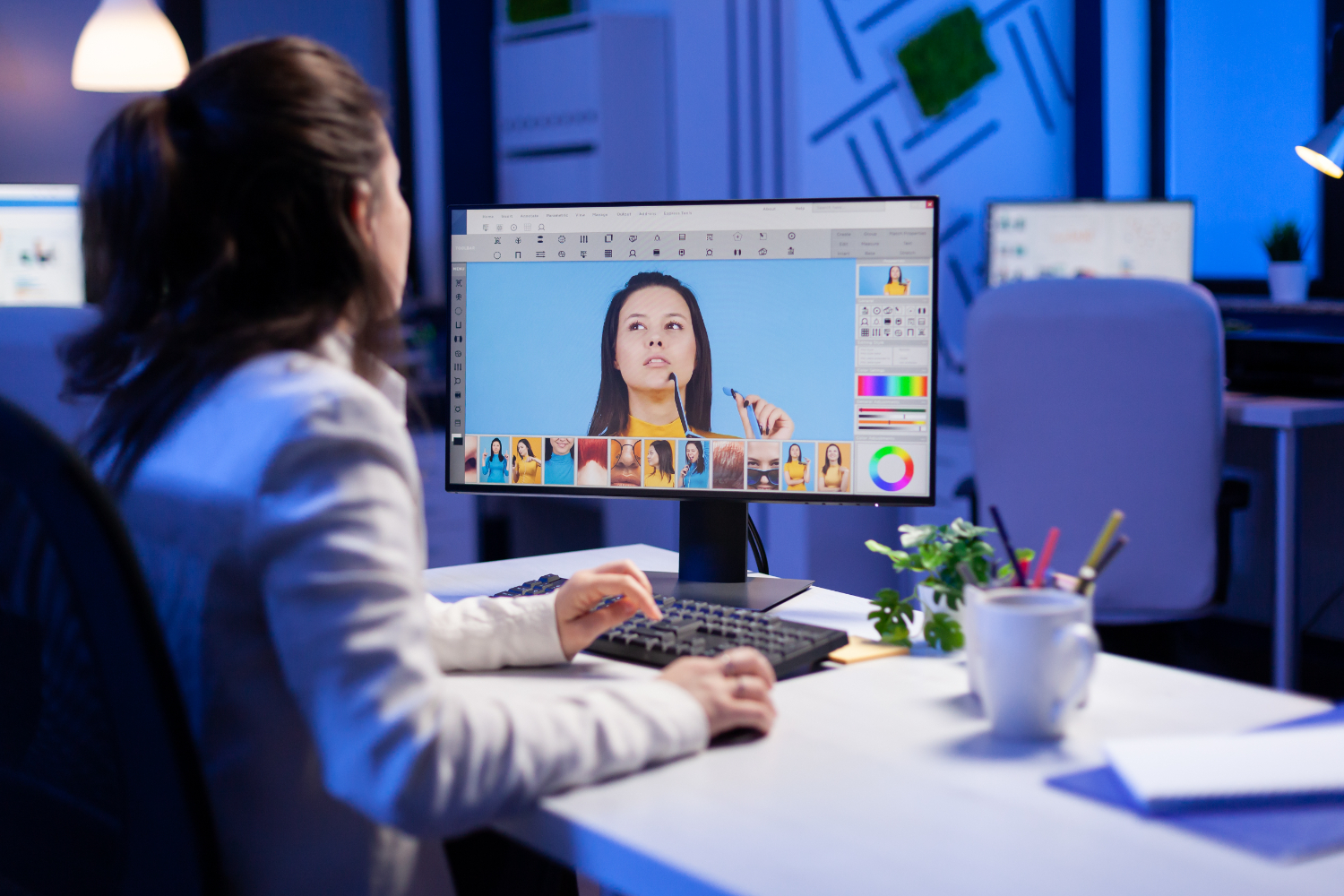
Photoshop Live Online Course: Design, Edit, and Create Like a Pro!
About this course
This Adobe Photoshop Course is designed to provide learners with a complete understanding of Photoshop's tools, techniques, and creative workflows. The course begins with foundational topics like understanding the interface, layers, and essential photo editing tools. As learners progress, they’ll explore advanced design techniques, color grading, masking, and compositing.
Key Benefits:
- Foundational Mastery: Develop a deep understanding of Photoshop tools and workflows.
- Real-World Applications: Create stunning social media graphics, posters, and digital artwork.
- Hands-On Learning: Practice with projects and assignments to build confidence.
- Advanced Techniques: Learn professional editing, color grading, and compositing.
- Portfolio Development: Showcase your creative abilities with polished final projects.
What You'll Learn:
Foundations of Photoshop
Introduction to Photoshop Interface and Navigation
- Explore the workspace: toolbar, panels, and menus.
- Understand file types (JPEG, PNG, PSD) and resolution basics.
- Essential shortcuts and workspace customization.
Layers and Layer Basics
- Learn layer hierarchy, opacity, and blending modes.
- Use layer masks for non-destructive editing.
Selections and Transformations
- Use marquee, lasso, and magic wand tools for accurate selections.
- Master transform tools like scale, rotate, and distort.
Basic Photo Editing Tools
- Edit with crop tools, spot healing, and clone stamps.
- Adjust brightness, contrast, and hues.
Saving and Exporting Projects
- Learn file formats for print and web.
- Optimize images for social media and export high-quality files.
Creative Design Techniques
Introduction to Typography
- Add text layers and apply formatting.
- Create typographic compositions with effects.
Working with Brushes
- Customize brushes for painting and texturing.
- Use blending techniques for creative designs.
Advanced Layer Techniques
- Utilize clipping masks, adjustment layers, and smart objects.
Filters and Effects
- Apply blur, sharpen, and liquify effects.
- Explore the filter gallery for unique designs.
Pen Tool and Vector Shapes
- Master paths and custom shape creation.
& 12. Compositing Basics
- Combine multiple images into seamless compositions.
- Match lighting, scale, and colors for realism.
Advanced Editing and Projects
Color Grading and Photo Enhancements
- Use gradient maps and selective colors for cinematic effects.
Advanced Masking and Selections
- Refine masks for precision edits (e.g., hair and detailed objects).
Mock Project 1 – Social Media Design
- Create branded designs for Instagram or Facebook.
Mock Project 2 – Poster or Flyer Design
- Design a creative promotional poster.
Digital Painting Basics
- Learn shading and depth creation using Photoshop brushes.
Final Touches and Portfolio Building
Workflow Optimization and Shortcuts
- Automate tasks and organize files efficiently.
Final Project Work
- Work independently on a project of choice (e.g., digital painting, photo manipulation).
Project Presentation and Feedback
- Present your projects for critique and improvement suggestions.
What you'll learn
Course content
20 modulesYour instructor
7-day Money Back! Guarantee
Not right for you? Full refund within 7 days or after 2 classes - no questions asked.
This course includes
 Level: Beginner
 Session: 1-on-1
 Duration: 25 Hours
Courses you might be interested in
 Live / group


 Live / 1-on-1
 Live / group